It Takes Two - Digital Version
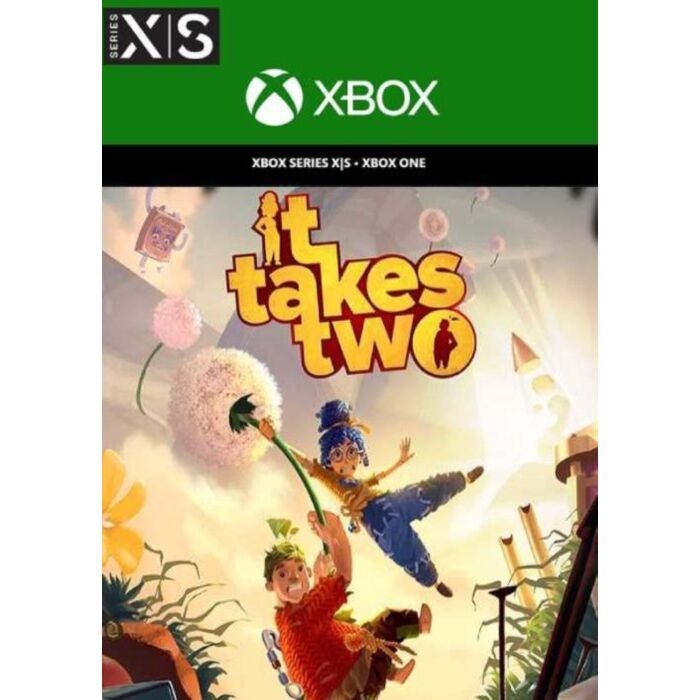
It Takes Two uses Smart Delivery technology - buy the game once and play it on either Xbox One or Xbox Series X|S.
Embark on the craziest journey of your life in It Takes Two, a genre-bending platform adventure created purely for co-op. Invite a friend to join for free with Friend’s Pass* and work together across a huge variety of gleefully disruptive gameplay challenges. Play as the clashing couple Cody and May, two humans turned into dolls by a magic spell. Together, trapped in a fantastical world where the unpredictable hides around every corner, they are reluctantly challenged with saving their fractured relationship.
Master unique and connected character abilities in every new level. Help each other across an abundance of unexpected obstacles and laugh-out-loud moments. Kick gangster squirrels’ furry tails, pilot a pair of underpants, DJ a buzzing night club, and bobsleigh through a magical snow globe. Embrace a heartfelt and hilarious story, where narrative and gameplay are interwoven in a uniquely metaphorical experience.
It Takes Two is developed by the award-winning studio Hazelight, the industry-leader of cooperative play. They are about to take you on a wild and wondrous ride where only one thing is for certain: we’re better together.
How to redeem a code on Xbox Series X|S and Xbox one
Press the Xbox button to open the guide, and then select Store.
Press the View button to open the side menu, and then select Redeem.
Enter the 25-character code, select Next, and then follow the prompts.
How to redeem a code from a PC or mobile web browser.
From a web browser, go to redeem.microsoft.com.
Enter the 25-character code, select Next, and then follow the prompts.
How to redeem a code in the Microsoft Store on Windows
Press the Start button , and then enter store into the search bar.
Choose Microsoft Store from the results to open the app.
Select your account in the top-right corner of the screen, and then select Redeem code or gift cards.
Enter the 25-character code, select Next, and then follow the prompts.
How to redeem a code in the Xbox app for Windows
Press the Start button , and then enter Xbox into the search bar.
Choose the Xbox app from the results to open the app.
Select your gamerpic in the top-left corner, and then select Settings.
Select Redeem under Redeem a code.
Enter the 25-character code, select Next, and then follow the prompts.
Note You can't redeem a code on the Xbox app for mobile at this time.
How to redeem a code on Xbox 360
Press the Guide button on your controller.
Select Games & Apps, and then select Redeem Code.
Enter the 25-character code, and then follow the prompts to complete your redemption.
| Gaming Genre | Action/Adventure |
|---|---|
| PEGI Age Rating | 12+ |
| Platform | Microsoft |