Need for Speed™ Heat - Xbox One Instant Digital Download
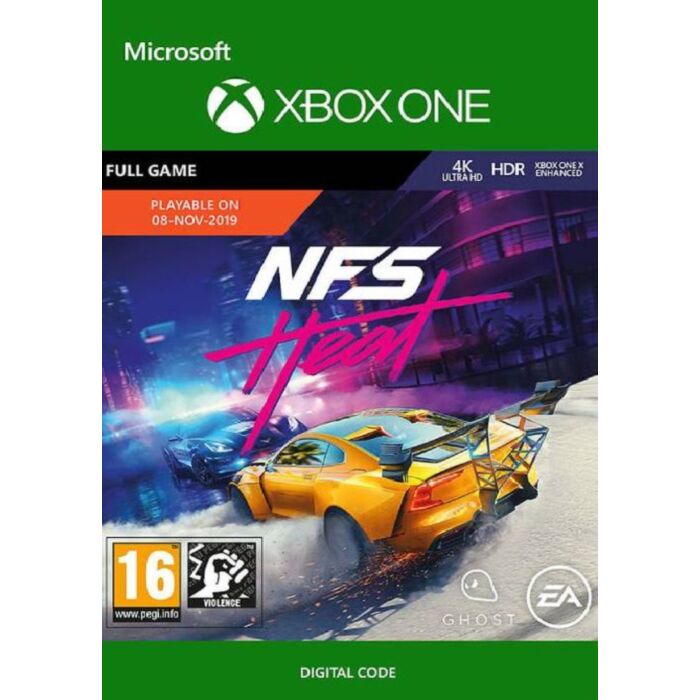
Hustle by day and risk it all at night in Need for Speed™ Heat, a thrilling race experience that pits you against a city’s rogue police force as you battle your way into street racing’s elite.
CONDITIONS AND RESTRICTIONS APPLY. SEE WWW.EA.COM/LEGAL FOR DETAILS.
VEHICLES MAY HAVE BEEN CUSTOMIZED BY EA USING FICTITIOUS OR LICENSED AEM PARTS, LOGOS OR MODIFICATIONS.
How to redeem a code on Xbox Series X|S and Xbox one
Press the Xbox button to open the guide, and then select Store.
Press the View button to open the side menu, and then select Redeem.
Enter the 25-character code, select Next, and then follow the prompts.
How to redeem a code from a PC or mobile web browser.
From a web browser, go to redeem.microsoft.com.
Enter the 25-character code, select Next, and then follow the prompts.
How to redeem a code in the Microsoft Store on Windows
Press the Start button , and then enter store into the search bar.
Choose Microsoft Store from the results to open the app.
Select your account in the top-right corner of the screen, and then select Redeem code or gift cards.
Enter the 25-character code, select Next, and then follow the prompts.
How to redeem a code in the Xbox app for Windows
Press the Start button , and then enter Xbox into the search bar.
Choose the Xbox app from the results to open the app.
Select your gamerpic in the top-left corner, and then select Settings.
Select Redeem under Redeem a code.
Enter the 25-character code, select Next, and then follow the prompts.
Note You can't redeem a code on the Xbox app for mobile at this time.
How to redeem a code on Xbox 360
Press the Guide button on your controller.
Select Games & Apps, and then select Redeem Code.
Enter the 25-character code, and then follow the prompts to complete your redemption.
| Brand | EA |
|---|---|
| Gaming Genre | Racing |
| PEGI Age Rating | 3+ |
| Platform | Microsoft |